Text or voice
Start with a sentence.
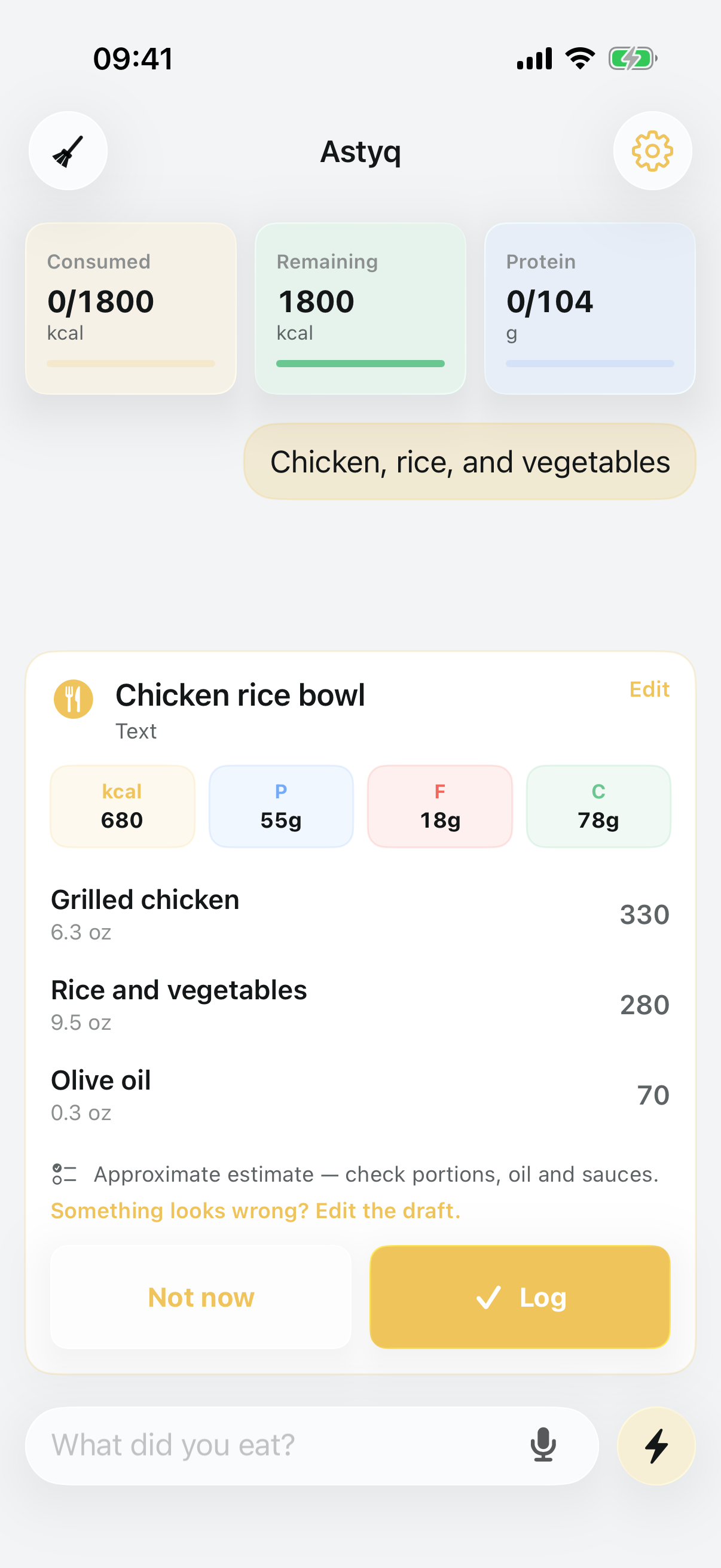
“Chicken breast 200 g and rice 200 g” is enough to start. Add a brand, cooking method, or portion when you know it.
- Natural-language meal input
- Short voice notes
- No photo workflow
 AstyqComing soon
Astyq for iPhone
Type or speak. Astyq prepares an editable calorie and macro draft. You review it before it reaches your diary.
Coming to iPhone · iOS 18+ · 5 meal analyses included
How Astyq works
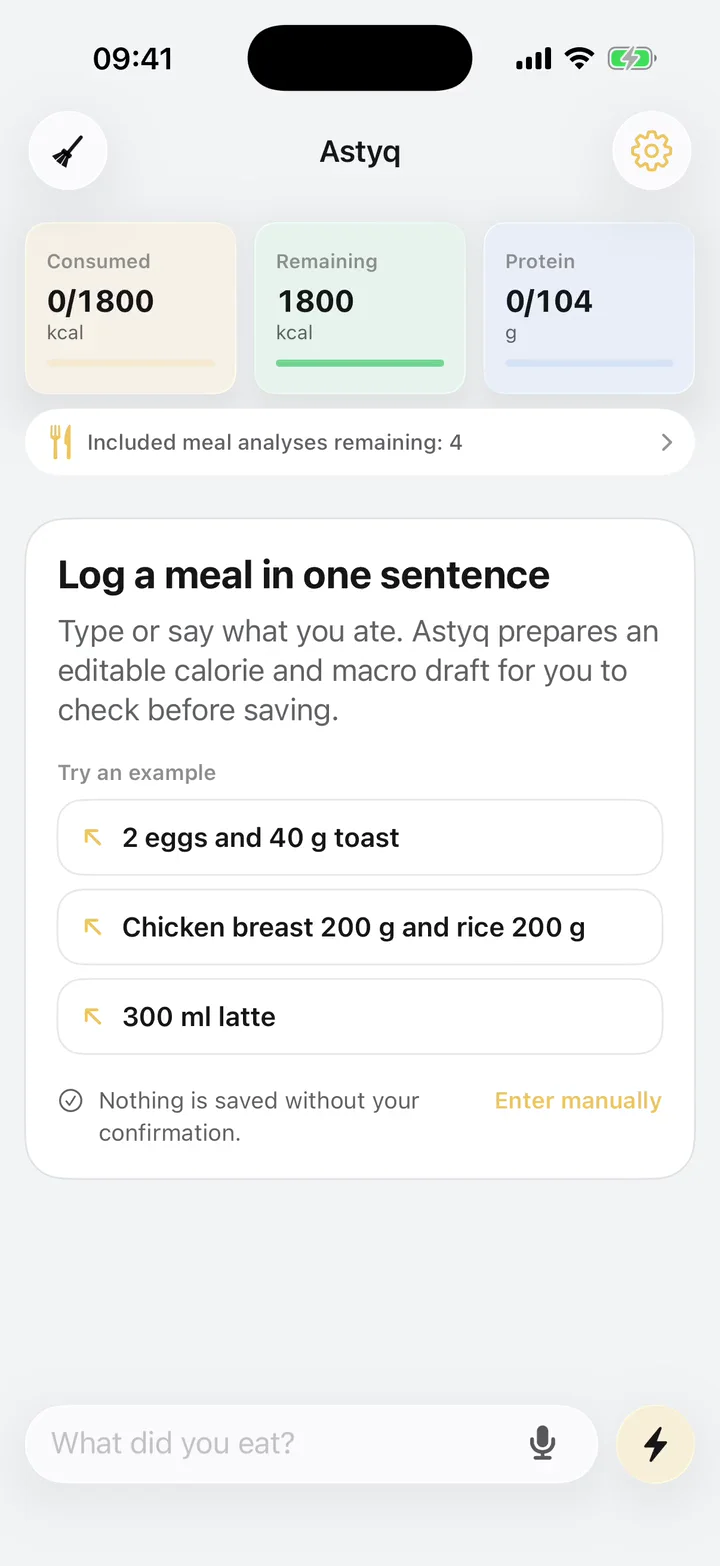
Astyq handles the first estimate. You decide what becomes part of your day.
Text or voice
“Chicken breast 200 g and rice 200 g” is enough to start. Add a brand, cooking method, or portion when you know it.
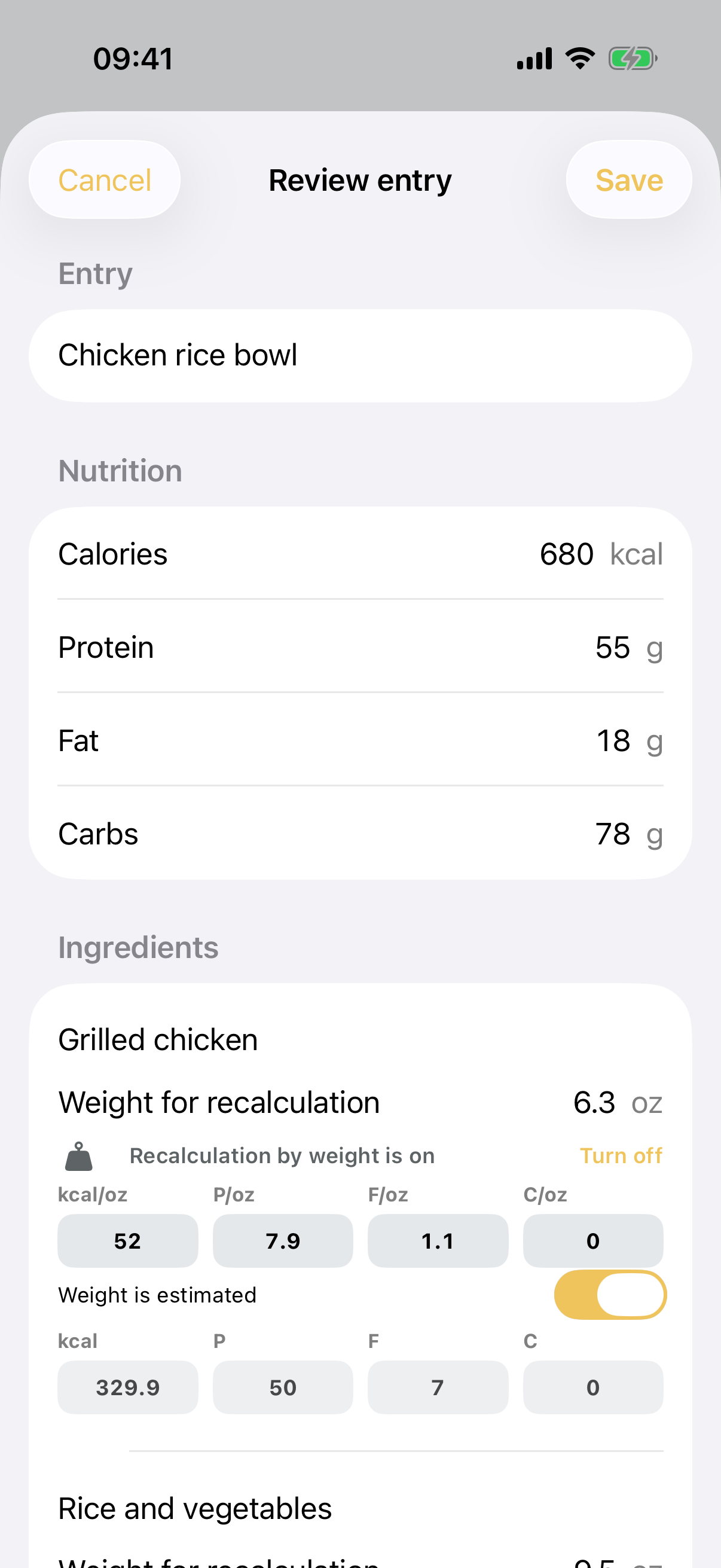
Review first
Adjust an ingredient, weight, calorie value, or macro before saving. The estimate stays a draft until it looks right to you.
Your diary
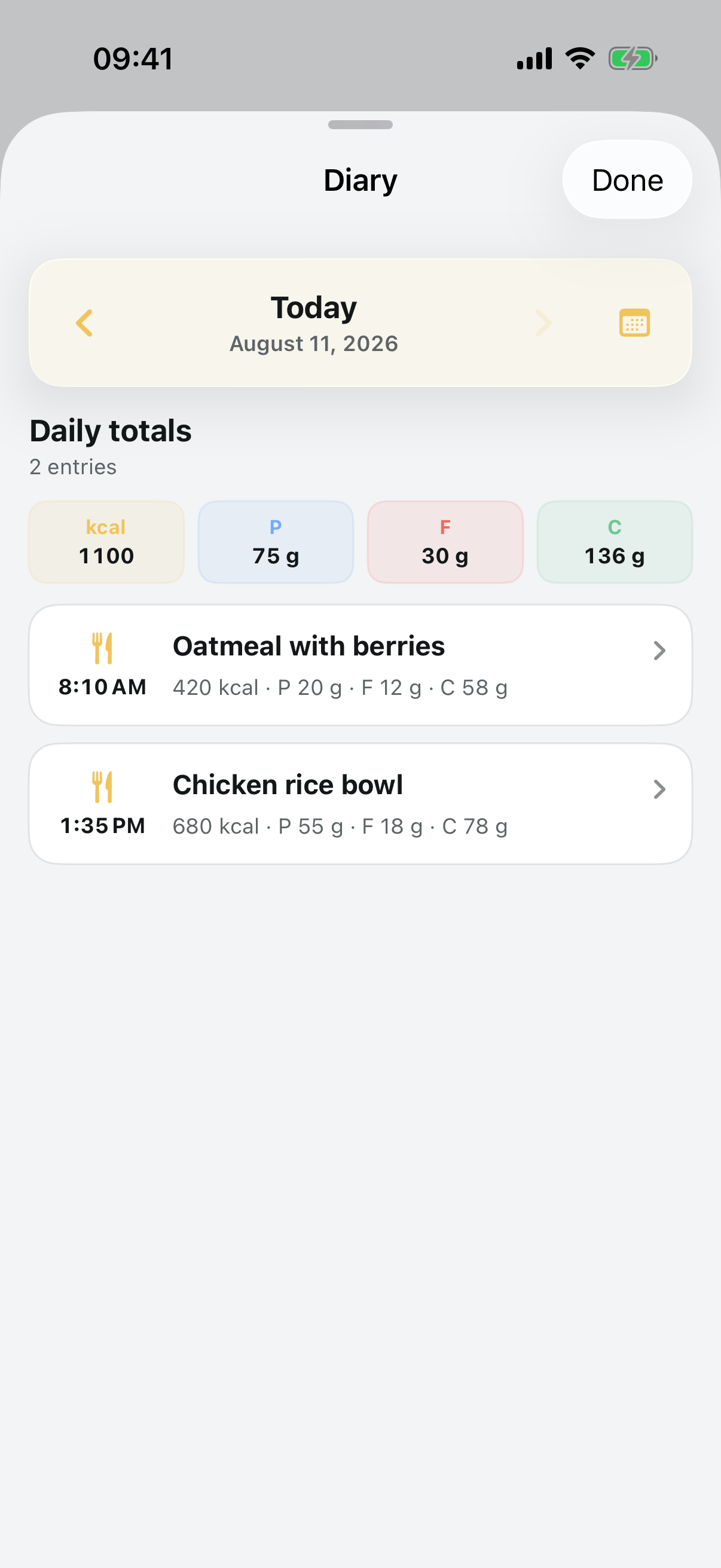
Confirm the meal, then see it alongside the rest of your day. Saved entries change only when you edit them directly.
Built for everyday use
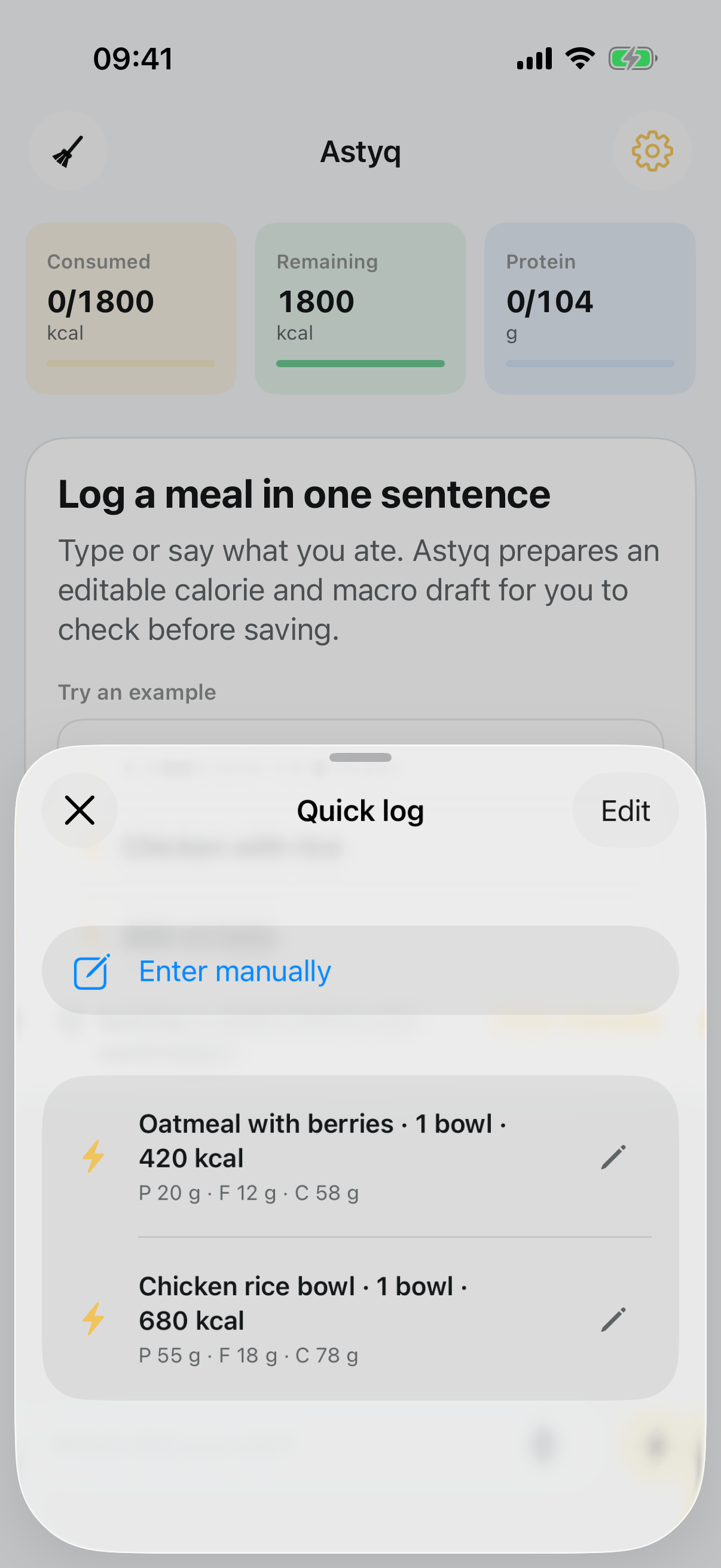
Astyq keeps repeat meals close without hiding what is being added. Use Quick log when the meal is familiar, or describe something new.
A clear data boundary
Saved meals, goals, and profile details remain in Astyq’s local app storage. When you use AI input, the text or short audio needed for that request is sent for processing.
Included from the start
Five successful meal analyses are included. Failed analyses do not use the allowance, and voice transcription itself does not consume a meal analysis.
Questions
No. Astyq is intentionally built around text and voice input followed by an editable review.
Yes. Meal name, ingredients, amounts, calories, protein, fat, and carbohydrates remain editable before you log the entry.
No. AI creates a new draft only. Editing or deleting a saved meal requires your direct action.
Inside Astyq’s local app storage on your iPhone. Your saved diary is not uploaded to the Astyq backend.